
Michigan VINE in Midland County
Michigan VINE is the state's free, confidential service for victim information and notification. It is available 24 hours. The official access points are VINELink and a phone line at 1-800-770-7657. An older MDOC family-information packet named Midland County Jail among participating jails. That document shows the service was deployed. It does not show that every current record or event is covered.
What VINE carries depends on the agency. A participating system may report release, transfer, escape, a hearing, case status, or disposition. Booking photographs are another matter. The service should never be treated as the Midland County arrest roster.
VINE shines after a first booking check. JailTracker tells you who is in county custody right now. VINE adds a private notice when a participating agency later reports a release or move. MiCOURT plays its own role with court information. Keep these jobs separate. That way an alert never gets mistaken for an arrest report or a judgment. It is not proof that a booking image exists. The official Michigan VINE page names the statewide service and lists the ways in.
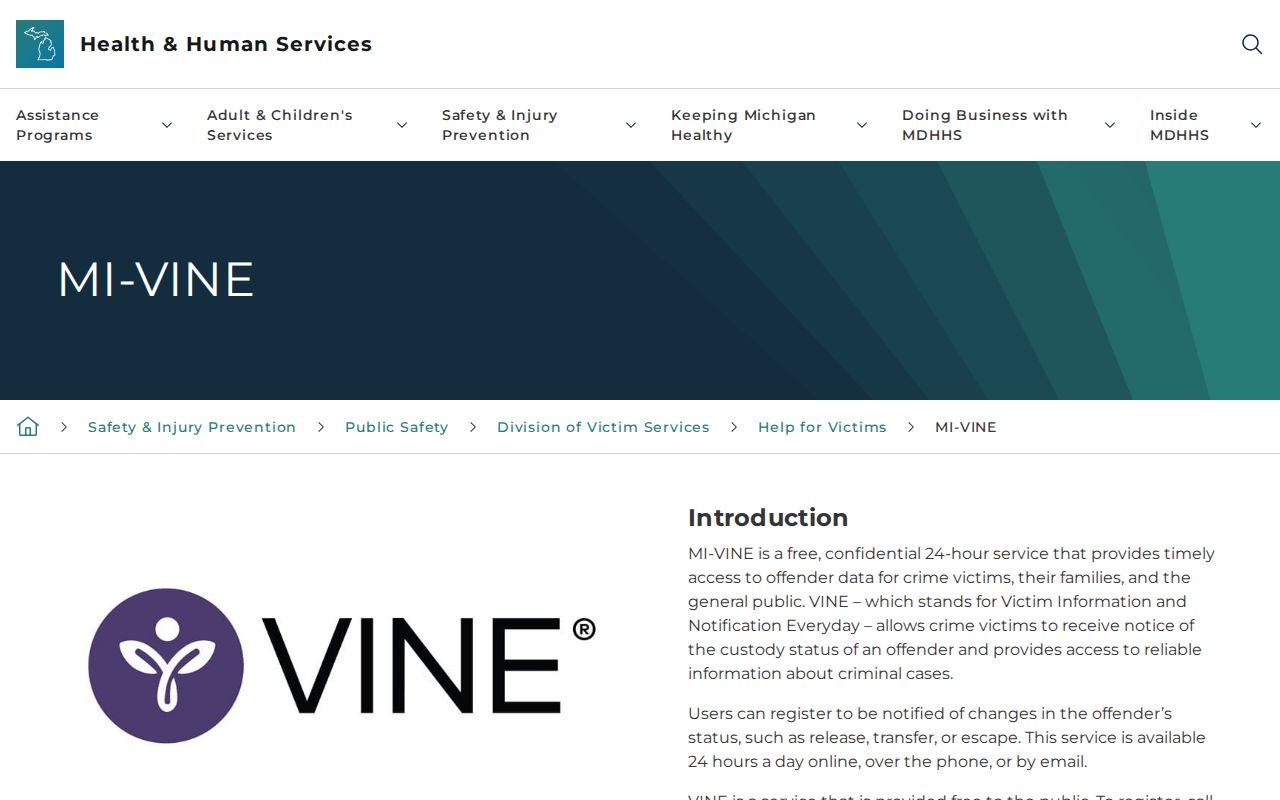
Reach the service through the state page, not an unofficial directory.
Search Midland VINELink Records
Start with enough identifying detail to separate people who share a name. A blank result can mean several things. The booking may be new, the record may sit outside a participating feed, the person may be held elsewhere, or the search terms may simply not match.
- Open VINELink from the official Michigan VINE page and select Michigan.
- Choose the custody search and enter the person's name or known identifier.
- Review all possible matches without assuming the first result is correct.
- Compare the facility, identification details, and stated custody status.
- For a new arrest, compare the Daily Arrest Report route and call Midland County Jail if needed.
The VINELink search capture shows the public Michigan search entry without submitting personal data.
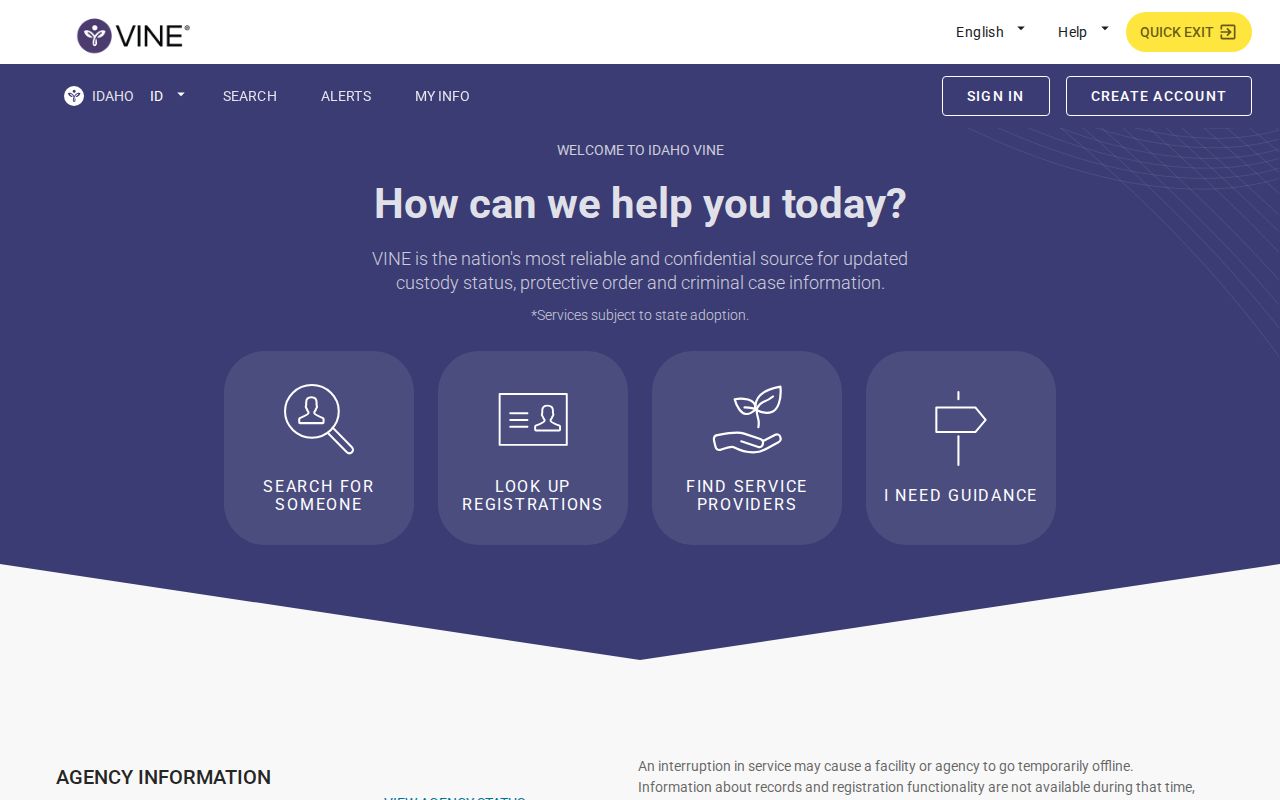
Search results are status information, not a mugshot gallery or final court record.
Midland VINELink Result Fields
Fields vary by participating system. Read the status together with its update time, and keep the VINE record apart from the jail's own booking record.
| Possible item | What it can tell you |
|---|---|
| Name or identifier | Helps distinguish possible matches; verify spelling and identity. |
| Custody status | The participating system's reported state, subject to update lag. |
| Facility | Reported place of custody, which may change after transfer. |
| Release or transfer event | A status change that may trigger a registered notice. |
| Court event | May include hearing, case-status, or disposition information when supplied. |
VINELink is not MiCOURT. It is also not the county's permanent arrest archive, so use the Midland County arrest hub for the booking-record route and the court for disposition.
Register Midland Custody Alerts
The official brochure describes registration by phone, text, email, or TTY. Online signup relies on account credentials. Phone registration uses a four-digit PIN. Keep those details private, and never leave real contact information visible in a shared screenshot.
- Open the correct person record and choose the notification option.
- Select the available event types, such as release or transfer.
- Enter the phone, text, email, or TTY contact requested by the service.
- Create and remember the four-digit PIN for phone access, or complete the online account process.
- Follow the confirmation prompt and update the registration if contact information changes.
Pick a contact method you can check quickly. Then guard the account and PIN. A forgotten phone PIN makes an existing registration hard to manage. Text and email alerts can also fail quietly. Filters, a changed number, or carrier problems can block them. Those limits are why the brochure warns against building a safety plan on VINE alone.
An alert means one participating system reported an event. It does not replace a direct safety plan, jail confirmation, or court notice. If an expected notice never arrives, go back to the person record. Confirm the registration. Then call the agency holding the person. Silence is not release.
VINELink Custody Check Limits
VINE does not reach every situation. It may skip some jails. Juvenile or sealed matters, people already released, federal prisoners, state-prison events, and immigration detention can also fall outside it. Federal Bureau of Prisons and ICE custody each have their own official locators. For Michigan prison notification questions, the MDOC Crime Victim Services Unit can help. It can be reached at 1-877-886-5401.
A fresh Midland booking may show up first in the current county roster. Or it may lag before reaching public systems. Jail staff can say which source applies. The county jail number is 989-832-6612. The Sheriff's Office main line is 989-839-4630. The MDOC OTIS page offers the separate state supervision search.
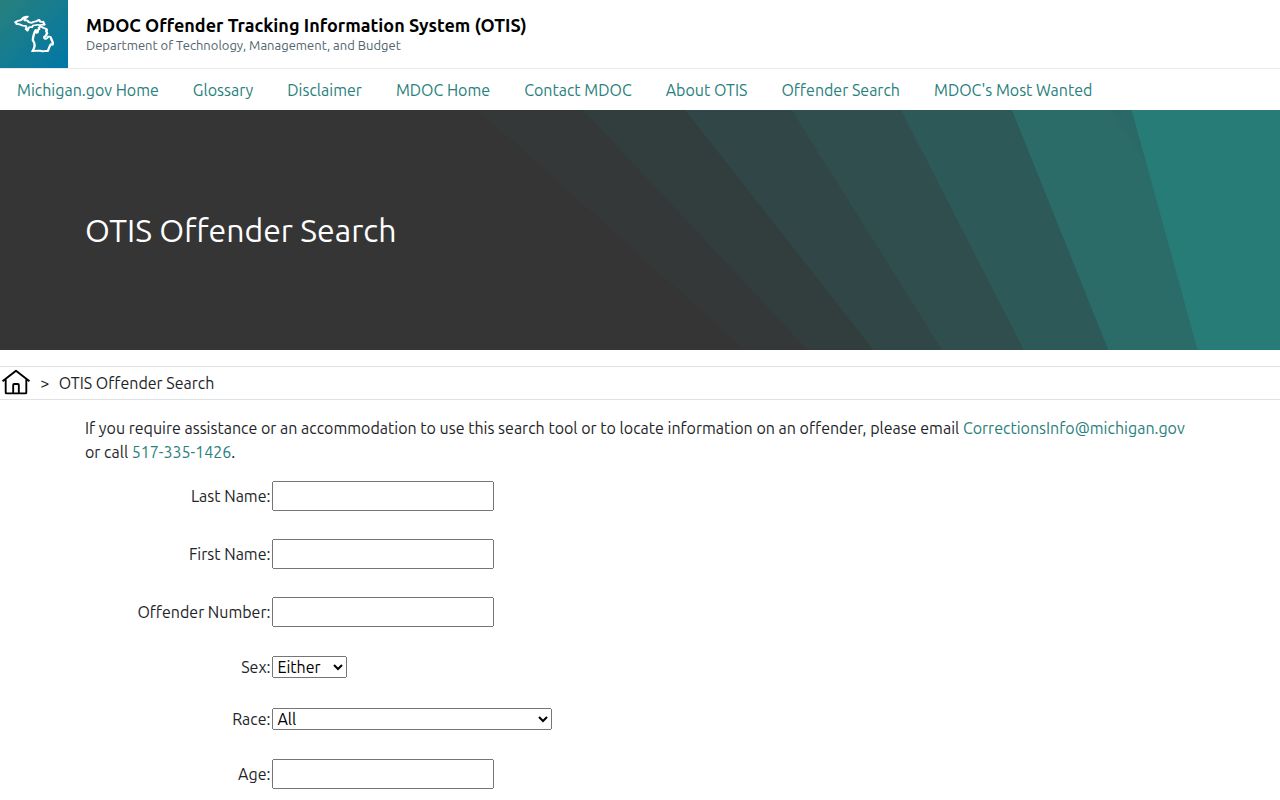
OTIS covers state prison, parole, probation, and some recent discharge information, not ordinary county jail bookings.
Custody Status and Court Results
A release alert never says why the person left custody. Bond, a transfer, completed sentence, or another event could all be behind it. Continued custody settles nothing either. Charges can shift at arraignment or later. For disposition, check the court record. MiCOURT information online helps, but it is not a certified record. Public display varies by court, case type, age, and confidentiality rules. When exact status matters, contact the clerk.
A booking, a VINE event, and a court disposition form a sequence, not one label. Booking records describe intake. A VINE event reports what a participating system supplied later. The court file then holds the hearings, pleas, dismissal, or sentencing. A name can drop off a current roster while the court matter stays open. A court entry can also post long after the custody event. Compare dates and source labels closely. Keep each alert tied to its own time and source.
Public Record Search
Sponsored Results